GDLink Documentation
Documentation in progress
This documentation is an early work in progress. Some sections are incomplete or still being written, and the guide will continue to expand and improve over time. Thank you for your patience as it develops alongside GDLink.
GDLink is a visual logic addon for Godot 4.7.2-stable. Build gameplay with listener, gate, and executor bricks — connections you can actually see, follow, and rewire without diving into a code file every time you change your mind.
The runtime stays native and release-ready underneath. Your editor stays sane. The boss fight ends up in your game, not in your project tree.
GDLink Basic is the free-forever starting point: core 2D and UI visual logic tools with a real license key, no trial clock.
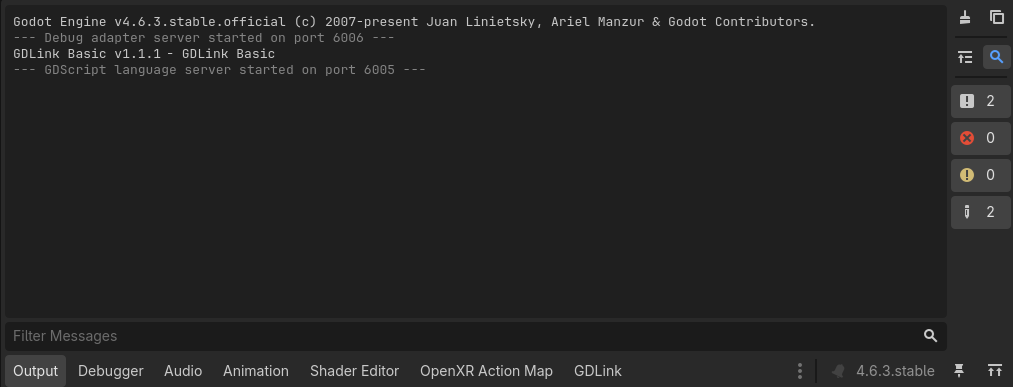
GDLink also treats a clean Godot Output panel as a product requirement. Many Godot projects slowly normalize constant warnings and errors; GDLink strives for error-free execution so real problems stay visible when they happen.
Quick-start cheat sheet
Add bricks fast: press
Shift+Ain the GDLink editor to open the add-brick menu without reaching for the toolbar.Open local variables fast: press
Vto jump straight to the local Variables panel for the selected graph.Read graphs by color: listeners, gates, executors, and state frames use editor color coding so a graph can be scanned before you read every label. For custom colors, select one or more bricks or state frames, right-click the selection, choose Apply Color…, pick a color, and confirm.
Label what matters: type into a brick’s name field to label that brick, and use the toolbar Rename button to rename the GDLink runtime node for the selected object.
Name states in place: right-click a state frame and choose Rename State to name it where you are working.
Copy and share bricks: copy selected bricks and GDLink places a JSON representation on the clipboard; another user can paste that JSON into their graph.
Recover edits: copy, paste, undo, and redo are part of the editor workflow, so quick experiments do not have to become permanent.
Install GDLink, activate your license, and build your first listener → gate → executor graph.
Every listener, gate, and executor — what it does and what it expects.
The runtime model, variables, states, and how a graph actually flows at runtime.
Worked examples for 2D/UI, 3D, XR, and the unglamorous art of debugging real graphs.
Compatibility and what shipped in the current release.
Documentation